
Play Sudoku Online
Nine rows, nine columns, one clean solve
Sudoku is a logic puzzle, not a guessing game: every digit is forced by rows, columns, and 3×3 boxes. This site puts a live 9×9 grid on the home page with pencil marks, explainable hints, check, undo, and a daily puzzle—open a tab and play, no account and no install.
Scan, then place
Start with rows, columns, and boxes that already miss only one digit. Use pencil mode to park small candidates before you commit a number.
If you are unsure, tap Hint for the next logical step, or Check to see rule conflicts without spoiling the full solution.
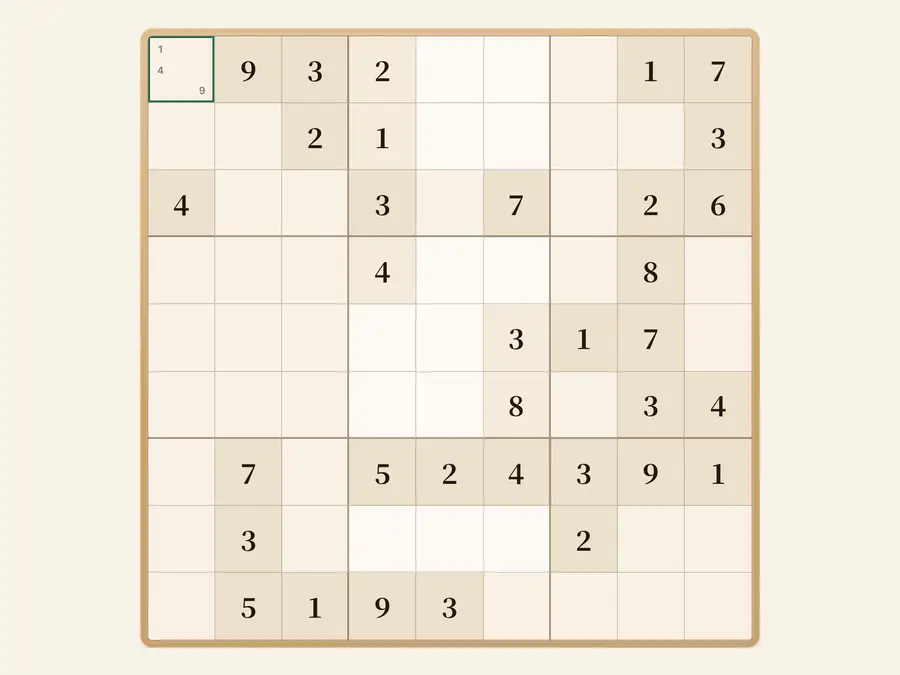
Play on the home page
Land on a live 9×9 grid. Time and difficulty sit in the header; the side panel explains hints, controls, and difficulty presets.
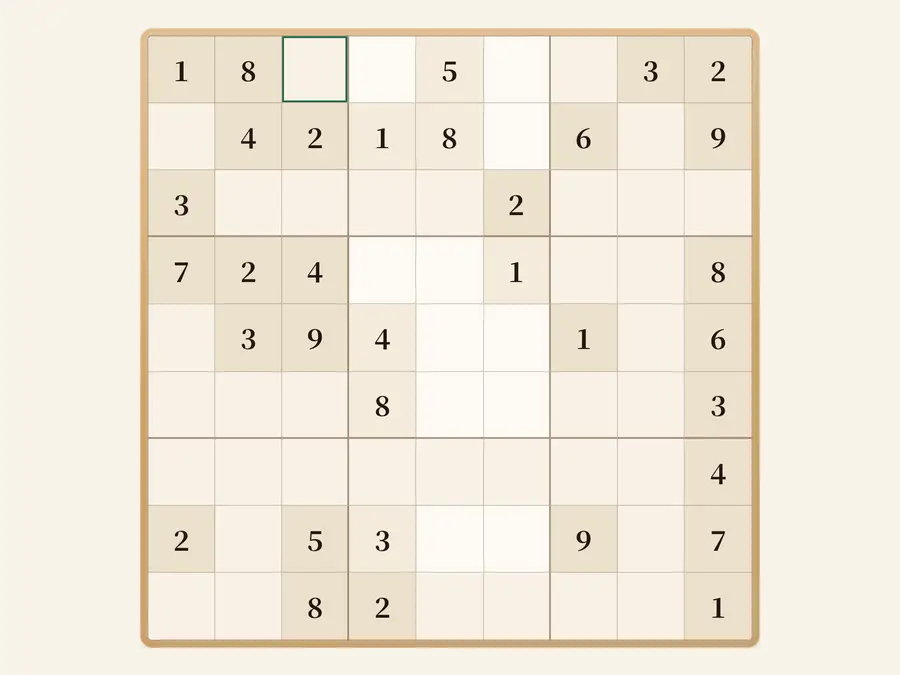
Daily puzzle
Everyone gets the same classic puzzle for the calendar day—handy for shared practice. Tap Daily in the toolbar to load today’s board.
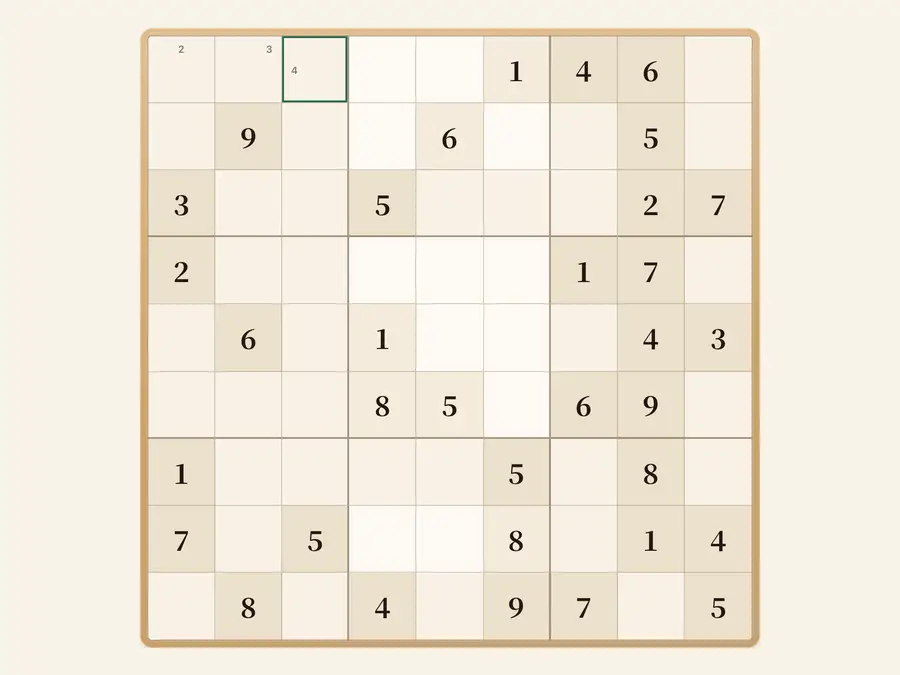
Progress stays on your device
Your current grid, notes, and timer are stored in browser storage on this device. Clear the puzzle with New game anytime; the privacy page explains what stays local.
9×9classic grid
Multidifficulty presets
Hintsexplainable coaching
Undostep back
Common questions
What must each row, column, and box contain?
On a classic 9×9 sudoku grid, every row, column, and 3×3 box must hold digits 1–9 exactly once. Given clues stay fixed; you only fill empty cells.
How does pencil mode work?
Turn on Pencil in the toolbar, select an empty cell, then tap digits to add or remove small candidate notes. Turn Pencil off to commit a final digit instead of a note.
What is the difference between Hint and Check?
Hint describes the next logical step on the current board (for example a naked single and where it goes). Check only highlights cells that break sudoku rules; it does not finish the puzzle for you.
How is Daily different from New game?
Daily loads the same classic puzzle for today’s calendar date—handy for shared practice. New game or changing difficulty generates a fresh random puzzle at the level you pick.
How do difficulty presets work?
Easy through Extreme change how many givens you start with and how long the solve tends to take. Switching difficulty starts a brand-new puzzle; your current unfinished grid does not carry over.
Do I have to guess?
Puzzles here are built to be solvable by logic alone. If you are stuck, refresh pencil marks or ask for a Hint before guessing—random guesses usually create conflicts later.
How do keyboard and touch controls work?
On desktop, arrow keys move the selection, number keys 1–9 place digits, and Delete or Backspace clears the active cell. On phone, tap a cell, then use the 1–9 pad below the board.
Is my in-progress puzzle saved?
Yes, in this browser only: digits, pencil notes, and elapsed time. Clearing site data or switching devices does not sync your half-finished grid.
How far back does Undo go?
Undo rewinds exactly one step—including the last digit or note you entered. Use New game when you want a clean board instead of stepping back many times.
Do I need an account or app install?
No account is required—open the URL and play. Adding the site to your home screen is optional; the full grid works in a normal browser tab.
